Budgie Backup Screen Savers
Updated 1st October 2026 by Simon Fearby · Budgie Backup (alpha)
Two screen savers, pick either or both: the original shows when the last backup ran, what is protected and what failed; the new 3D one puts your drives on a stage and shows the backup moving between them.
Part of the Budgie Backup suite. One installer covers all six apps.
Download Budgie BackupScreen Saver
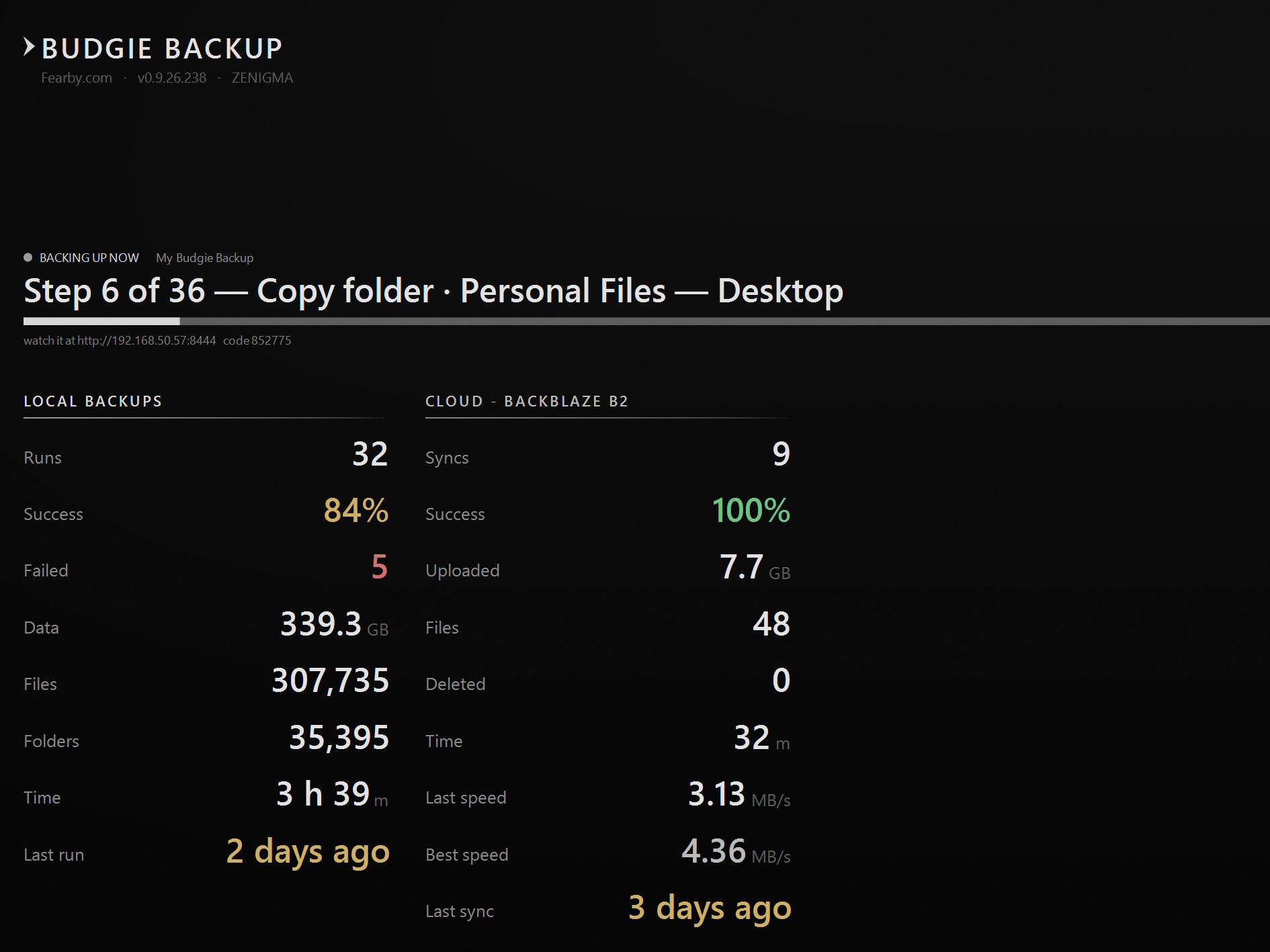
The last one is the quietest, and it might be the one that saves you. When the machine is idle, the screen saver shows you where you stand.
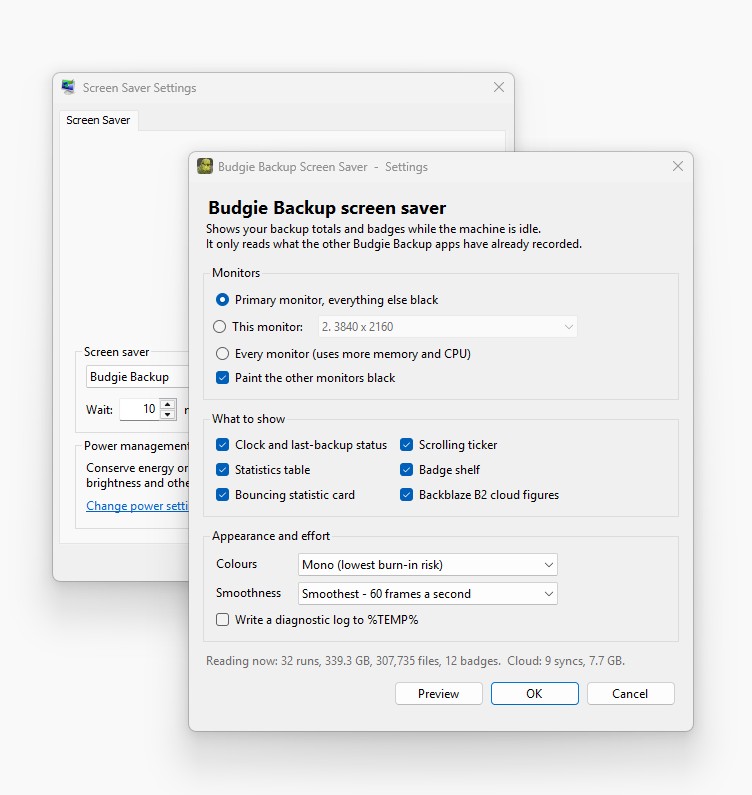
When the last backup ran. How much is protected. Whether anything failed. What's running right now. No app to open, no report to read. This blanks out all screens and will show your stats, every 30 seconds it will dim to black and back again to prevent burn in
You glance at it walking past, and you never quietly fall a month behind.
3D Screen Savers
3D Screen Saver New
Budgie Backup 3D.scr
The same story, told as eye candy. Your drives stand on a stage, each one labelled with its letter, name, size and how full it is. Hard disks get a spinning platter and an arm that seeks while they work; SSDs are drawn as M.2 boards.
When a backup runs, a spotlight picks out the drive being read and another the drive being written, and the data flies between them. When nothing is running, your achievement badges orbit as 3D medals and your own disk benchmark figures replay behind the stage like falling digital rain.
It only ever reads Budgie Backup's settings. The 3D scene is given drive letters, labels, sizes and a count of file types, never file names or paths. Glow is off by default and can be set to Small, Medium or Large in the screen saver's Settings.
Installing either or both
The installer has a tick box for each: Screensaver (Budgie Backup.scr) and 3D Screensaver (Budgie Backup 3D.scr). Both are ticked by default and both go into the Windows folder, so they appear in Settings > Personalization > Lock screen > Screen saver. The installer makes neither one your active screen saver – you choose.
The 3D screen saver needs the Microsoft Edge WebView2 Runtime, which Windows 11 already has. Without it, the 3D screen saver shows a plain “last backup” screen instead. If you leave a screen saver unticked, the updater lists it as “Optional – not installed” and will not nag you about it.
The rest of the suite
Help Test Early Builds
This is a work in progress, features will change.
If you wan't to help test Alpha builds reach out here: alpha-test-request-budgiebackup@fearby.com or reach out and suggest a feature here: budgiebackup@fearby.com.
Buy Me a Coffee and support the development.
Return Home